Investor reporting software for fund managers: Why it matters
Written By

Written By
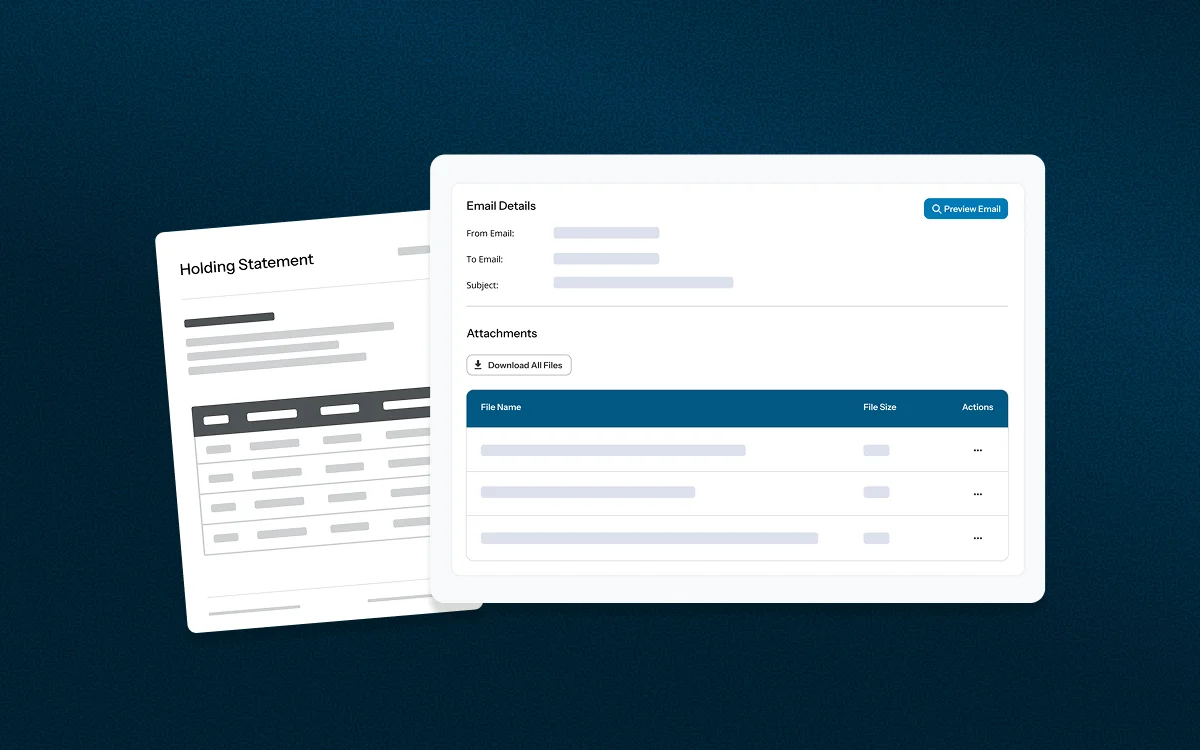
Investor reporting software lets fund managers produce, check, send and store investor statements, reports and letters from one system, using data already held in the fund's registry or administration platform. It replaces manual spreadsheets and mail merges with consistent, branded and auditable communications.
For fund managers, reporting is where investors most directly experience the quality of the operation. Accurate, timely documents build confidence. Late or inconsistent ones raise questions that take time to answer.
A dedicated reporting suite does more than generate documents. Its main advantages are:
The documents a fund issues depend on its structure, asset class and investor base. Most managers rely on a core set.
| Report/statement | Purpose |
|---|---|
| Investor Holdings Report | Gives each investor a clear snapshot of their holdings as at a specific date, such as 30 June. |
| Distribution Statement | Shows distributions over a defined period, with a detailed breakdown of components, including tax withheld. |
| Confirmation of Investment Letter | Confirms an investor's details and the funds allocated to them. It is usually sent with, or followed by, a unit or share certificate. |
| Confirmation of Withdrawal Letter | Confirms an investor's details and the funds deposited to them, following a withdrawal. |
Fund managers commonly add periodic investor statements, transaction confirmations and other correspondence to this set, depending on their fund type and reporting obligations.
Beyond routine investor communications, fund managers have regulatory and tax reporting obligations that run on fixed cycles. Missed deadlines or inaccurate data can mean penalties, investor queries and remediation work. Reporting software helps by drawing every figure from the same registry records, so what investors receive matches what is lodged with the regulator.
Tax reporting has two sides: what you send to investors and what you lodge with the Australian Taxation Office (ATO).
Producing both from one data source also means any correction made to an investor's record flows through to their statement and to the lodgement file.
ABN/TFN reports are produced quarterly. They show which investors have supplied an Australian Business Number (ABN) or Tax File Number (TFN), and which have not. Missing details can affect the tax withheld from distributions and the accuracy of AIIR data, so a regular quarterly cycle lets a fund manager follow up with investors progressively rather than in a rush at year-end.
Common Reporting Standard (CRS) reporting identifies investors by tax residency and self-certification status. Because it relies on complete, current investor records, reporting software helps by keeping that information in the same registry used for statements and lodgement, with gaps and changes in circumstances easy to identify.
Requirements vary by fund structure and investor type, so managers should confirm their obligations with a qualified tax or compliance adviser.
Titanium's reporting module is part of our core off-the-shelf funds management software, so fund managers do not need to buy or integrate a separate reporting tool. We have developed a wide range of standard reports and statements in close consultation with our clients. They cover different fund types, asset classes and formats, and we continue to extend them in response to client feedback and industry needs.
Standard functionality includes:
Every fund operates differently, and a standard template will not always fit. If you need a custom report or statement, contact our support team and we will organise it for you, so the output matches your reporting and operational requirements.
To see the reporting module in a live demonstration, book a free demo. Existing clients can find further detail in the help guide or contact our support team.